This topic demonstrates how to bind SiteMap to SiteMapDataSource, XMLDataSource and C1SiteMapDataSource control.
Complete the following steps to populate the control using a SiteMapDataSource control.
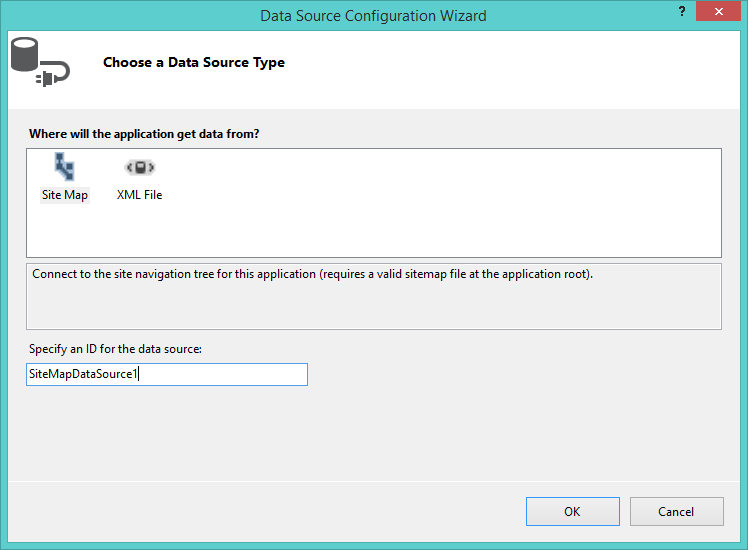
Complete the following steps to populate the control using a XML Data.
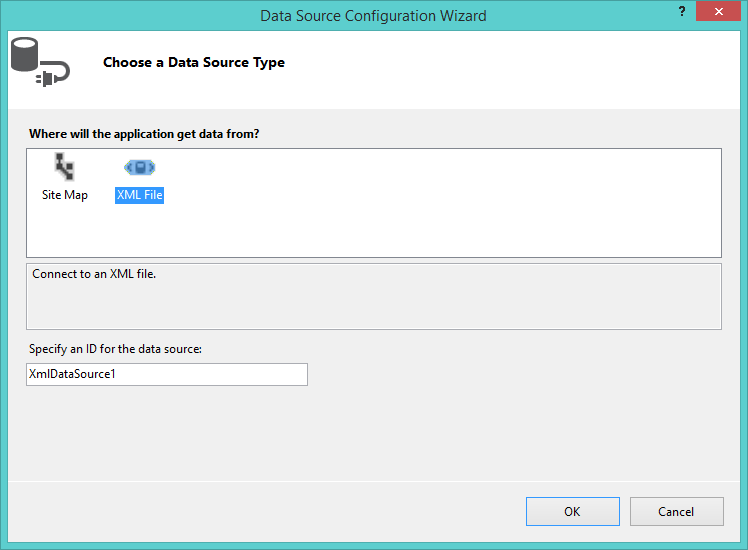
Complete the following steps to populate the control using Dialog BoxDataSource control.
Complete the following steps to bind the SiteMap Control using SiteMapDataSource Control.
<form></form> tags.
|
Copy Code
|
|
|---|---|
<asp:SiteMapDataSource ID="SiteMapDataSource1" runat="server" SiteMapProvider="C1CustomSiteMapProvider" /> |
|
<cc1:C1SiteMap>tag.
|
Copy Code
|
|
|---|---|
<cc1:C1SiteMap ID="C1SiteMap1" runat="server" DataSourceID="SiteMapDataSource1"> |
|
Complete the following steps to bind the SiteMap Control to XML Data.
<form></form> tags.
|
Copy Code
|
|
|---|---|
<asp:XmlDataSource ID="XmlDataSource1" runat="server" DataFile="~/App_Data/Menu_Structure.xml"></asp:XmlDataSource> |
|
tag.
|
Copy Code
|
|
|---|---|
<cc1:C1SiteMap ID="C1SiteMap1" runat="server" DataSourceID="XmlDataSource1"> |
|
Complete the following steps to bind the SiteMap Control using C1SiteMapDataSource control.
<form></form> tags.
|
Copy Code
|
|
|---|---|
<cc1:C1SiteMapDataSource ID="C1SiteMapDataSource1" runat="server" SiteMapFile="~/web1.sitemap" /> |
|
tag.
|
Copy Code
|
|
|---|---|
<cc1:C1SiteMap ID="C1SiteMap1" runat="server" DataSourceID="C1SiteMapDataSource1"> |
|

