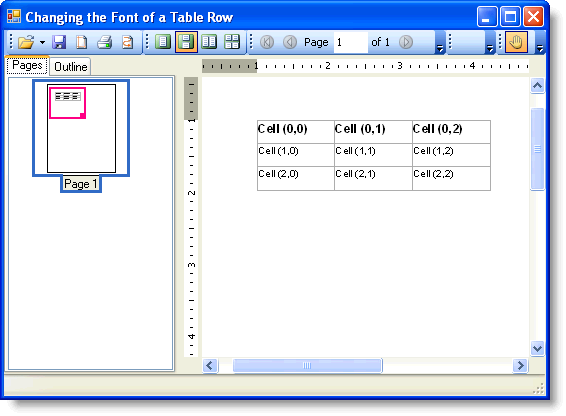
To change the font of a table row, set the Font property for the row. Add the following code to the Form_Load event before the Add and Generate methods:
To write code in Visual Basic
| Visual Basic |
Copy Code
|
|---|---|
table.Rows(0).Style.Font = New Font("Arial", 12, FontStyle.Bold)
|
|
To write code in C#
| C# |
Copy Code
|
|---|---|
table.Rows[0].Style.Font = new Font("Arial", 12, FontStyle.Bold);
|
|
The text in the first row appears in 12 point, Bold Arial font: