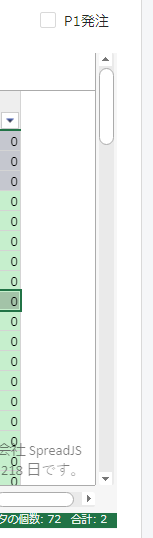
Scroll from left to right by keep left mouse and skectch It show one empty colu

Posted by: cangod05 on 24 February 2023, 12:13 am EST

  • Posted 24 February 2023, 12:13 am EST - Updated 24 February 2023, 12:18 am EST

    Hi admin,

    Init page I set width full width equal canvas But when I scroll from left to right by keep left mouse and skectch It show one empty column. I set scrollByPixel but it not efficient Do you have a setting for solution.


    Tks you Sir.

  • Posted 24 February 2023, 6:50 am EST

    Hi,

    You may also need to set the scrollBarMaxAlign property to true. Please refer to the following code snippet and let me know if you face any issues.

    workbook.options.scrollbarMaxAlign= true;

    Regards,

    Avinash

  • Posted 24 February 2023, 9:22 am EST - Updated 24 February 2023, 9:28 am EST

    Hi admin,

    Tks your solution but It’s also not efficent for me. Do you have another solution for this.

    Evidence:

    .

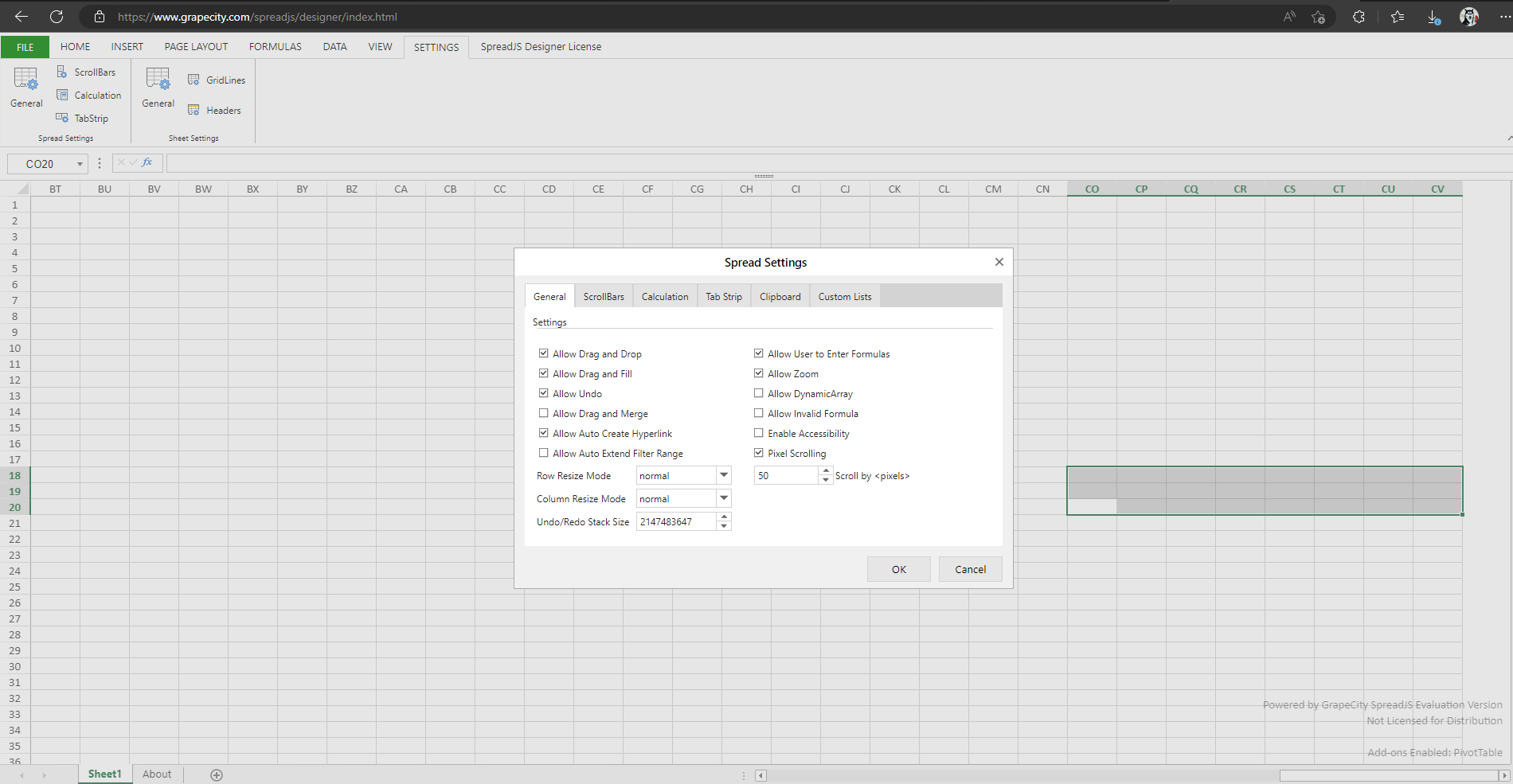
    I have tried on the your designer it actual has the same problem. I think this is bug for your product.

    This is an evidence for your website:

  • Posted 27 February 2023, 1:03 am EST

    Hi,

    We are sorry but are unable to replicate the issue at our end. Could you please share a sample that replicates the issue? You may also refer to the following sample that we used for testing.

    sample: https://codesandbox.io/s/cool-panna-0f6g5v?file=/src/index.js

    regards,

    Avinash

  • Posted 27 February 2023, 2:09 am EST - Updated 27 February 2023, 2:14 am EST

    Hi Avinash,

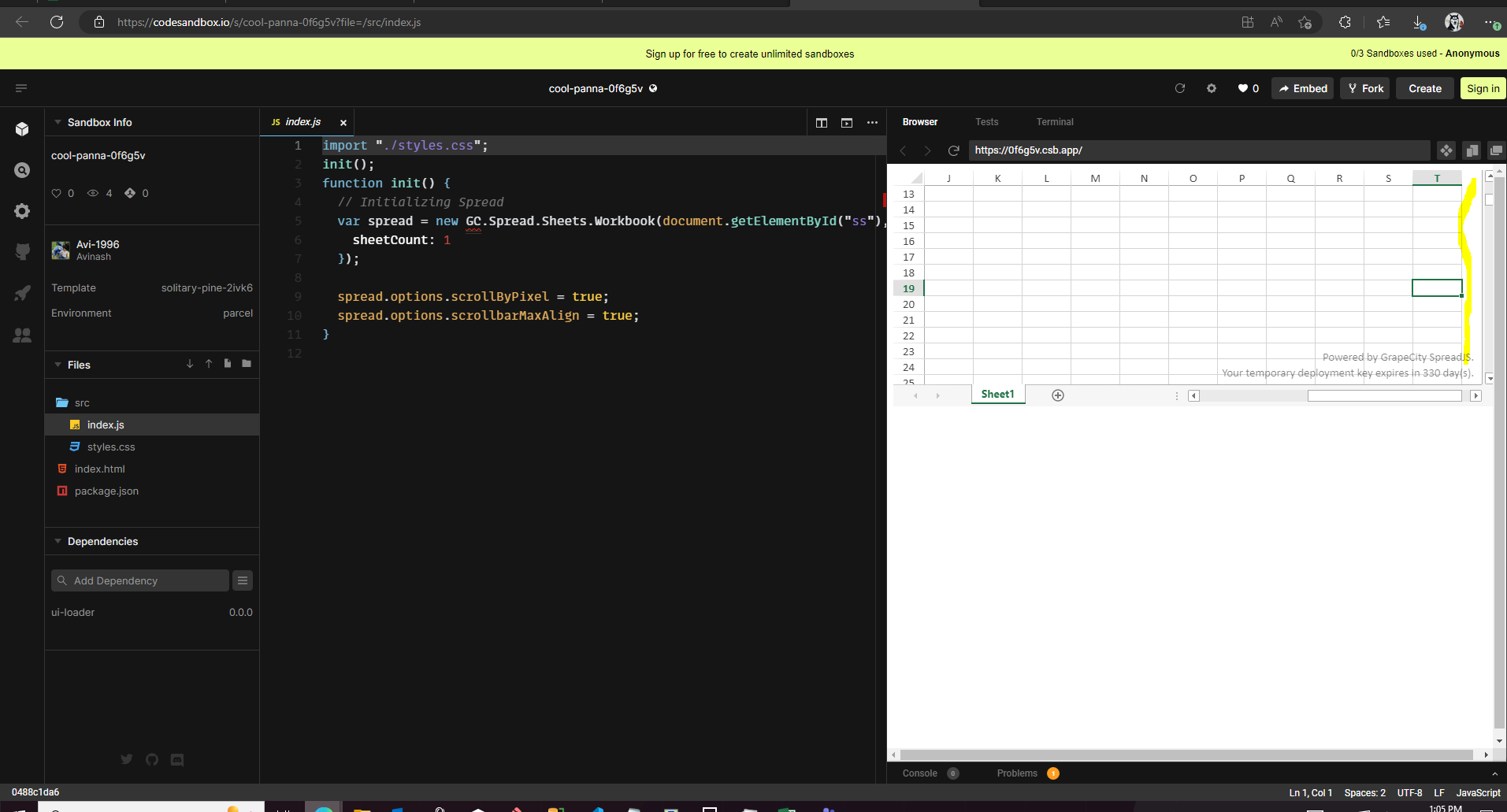
    This example here has the same problem I said before.

    Empty space shows when I keep left mouse And scroll from left to the end.

    .

    regards,

    Can

  • Posted 27 February 2023, 2:35 am EST

    Hi Can,

    Thanks for this information. For this, you may use the LeftColumnChanged event and refresh the viewport if the right column is the end of the sheet. Please refer to the following code snippet and let me know if you face any issues.

      spread.bind("LeftColumnChanged", (e, { sheet }) => {
        let rightColumn = sheet.getViewportRightColumn(1);
        // console.log("asdf", { newLeftCol, rightColumn });
        if (rightColumn === sheet.getColumnCount() - 1) {
          spread.refresh();
        }
      });

    sample: https://codesandbox.io/s/cool-panna-0f6g5v?file=/src/index.js

    Regards,

    Avinash

Need extra support?

Upgrade your support plan and get personal unlimited phone support with our customer engagement team

Learn More

Forum Channels