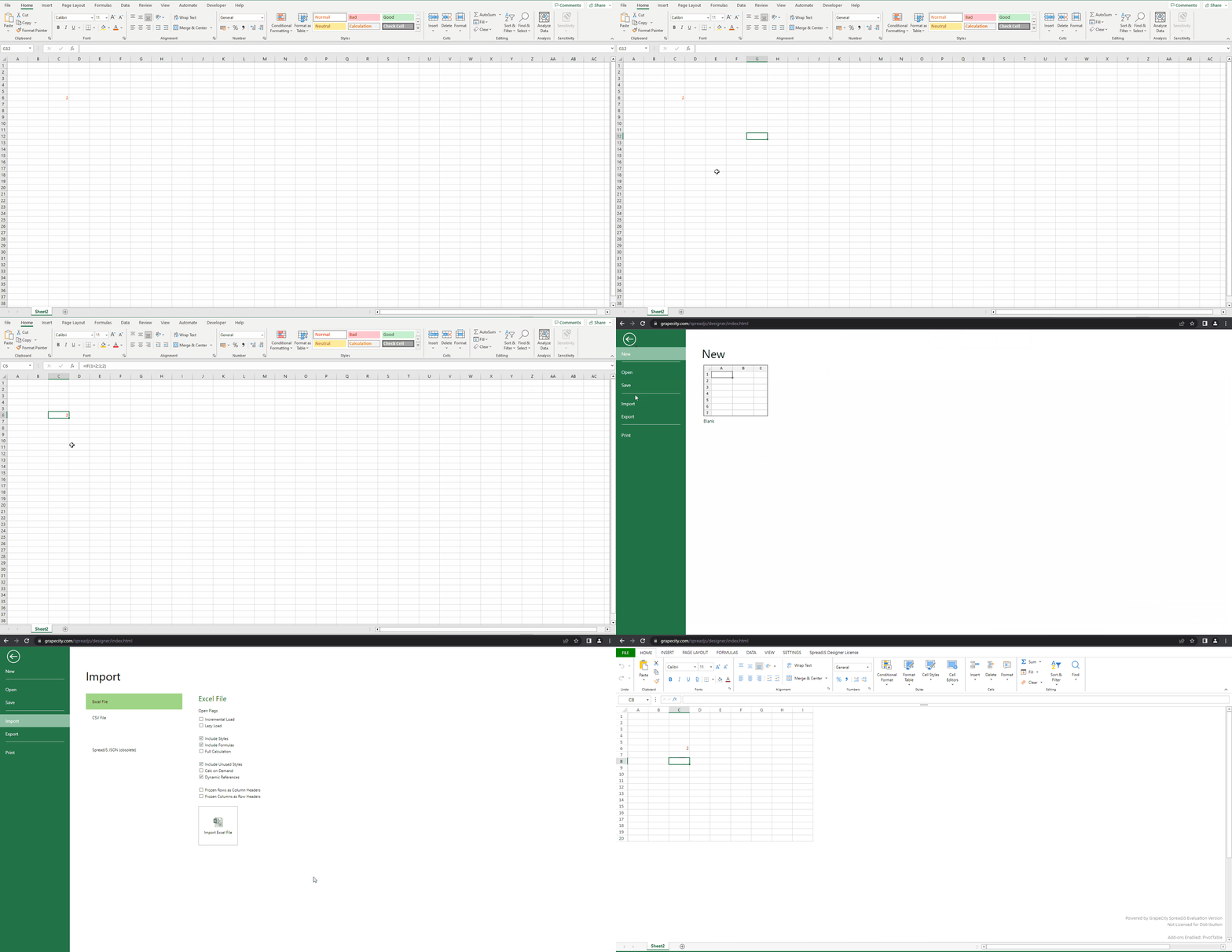
Sheet with formula If(1=2;1;2) is not opening in finnish regional settings

Posted by: aditya.chauhan on 20 February 2023, 4:59 am EST

  • Posted 20 February 2023, 4:59 am EST - Updated 20 February 2023, 11:52 pm EST

    Opening the same sheet in Spread.Net is opening

    Same sheet does not get opens in SpreadJS

    In localities that use comma as a decimal separator, the formula arguments are separated by semicolons, not commas. When the sheet is just opened in an Excel it automatically converts decimal seperator depending on the regional settings. Same should be possible in SpreadJS

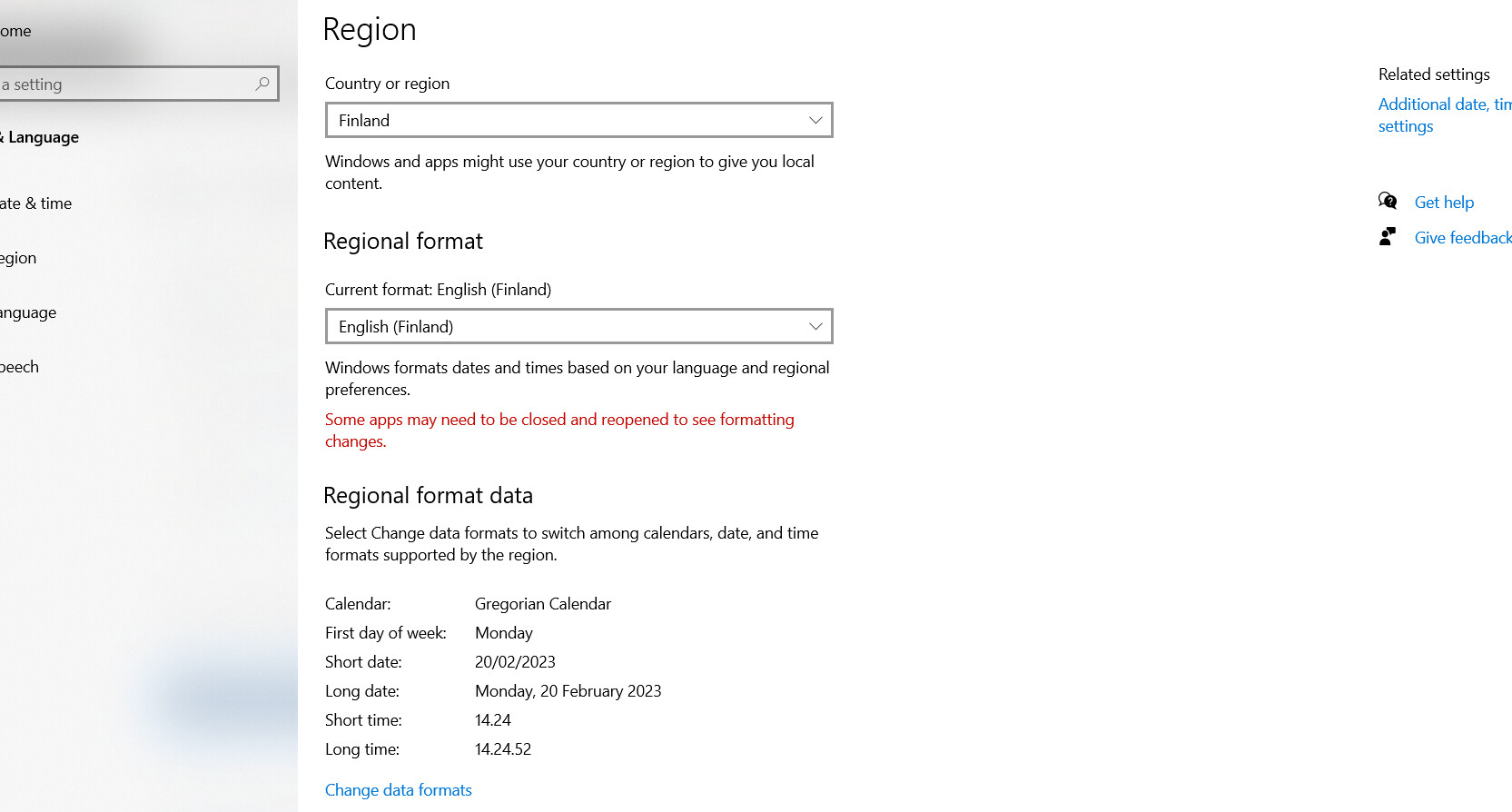
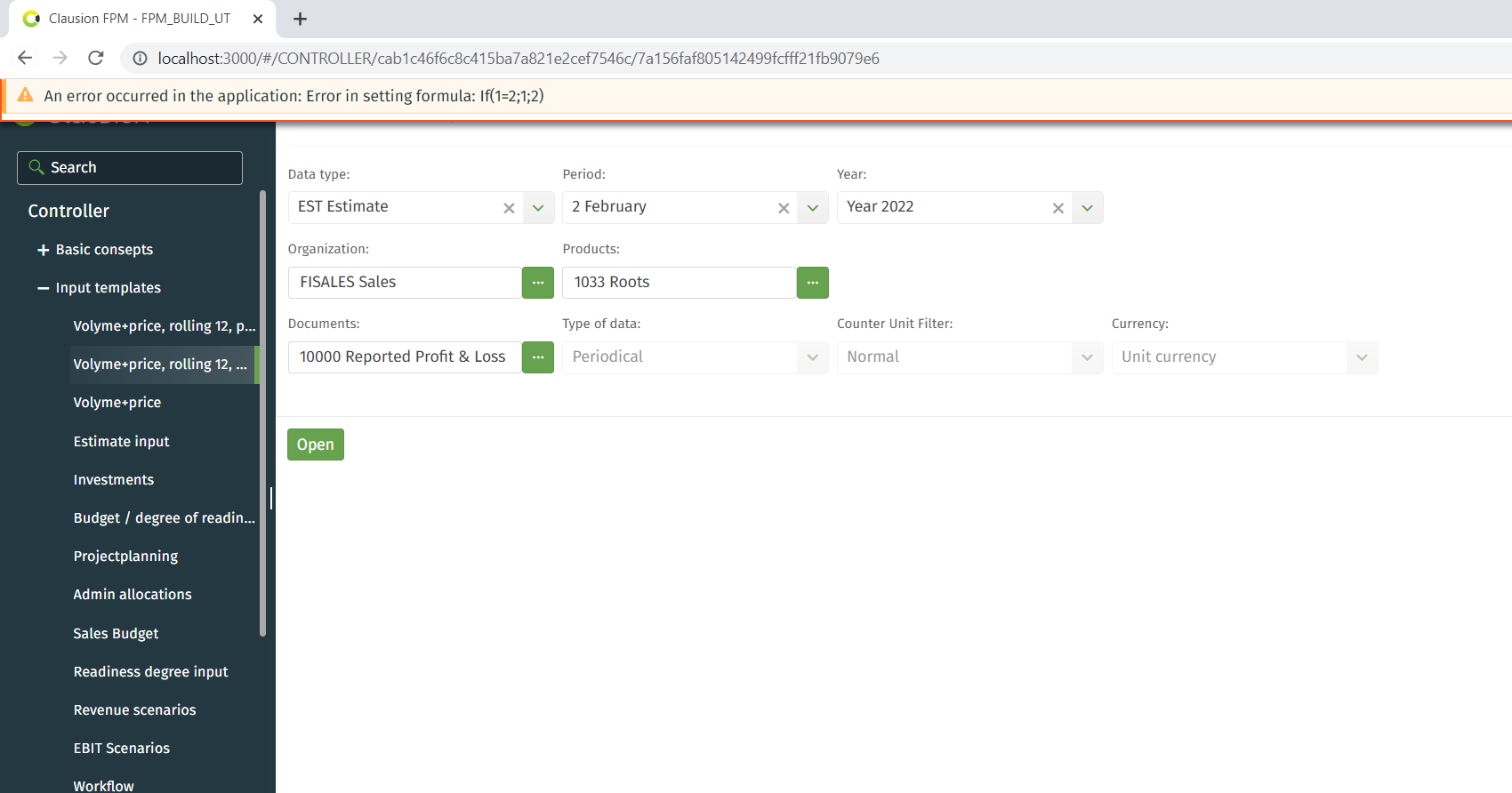
    When system regional settings are as stated in the screenshot it gives the error stated in screenshot
  • Posted 21 February 2023, 6:16 am EST - Updated 21 February 2023, 6:22 am EST

    Hello,

    We were not able to replicate the issue you are facing on our end.

    We changed Region to Finland and Regional Format to English(Finland) in our system. Then we added the formula IF(1=2;1;2) in a cell of an excel file. We loaded the excel file in SpreadJS Designer. The file was loaded without any error. The cell contained formula IF(1=2,1,2). The separators were changed as per the current culture of the spread(en-US culture).

    It seems you are applying formula with (‘;’) as arguments separator(e.g. IF(1=2;1;2)) using sheet.setFormula() method. Please note that this formula only takes formula with comma(,) as arguments separator. If you use another separator, it throws an error.

    Please refer to the sample attached below.

    Sample: https://codesandbox.io/s/solution-forked-jskfht?file=/src/index.js

    Here is a demo of how we tried to replicate the issue

    Please let us know if we missed some steps. Please share the excel file you are facing the issue with so that we can assist you more efficiently.

    Regards,

    Avinash

  • Posted 22 February 2023, 12:05 am EST - Updated 22 February 2023, 12:46 am EST

    Can you also try the same after closing the windows too as the regional settings does not take effect when u have close the settings as well as the windows that will get effected.

    And also you suggested not to use Sheet.SetFormula() as it does not accept ; so what’s the alternative for that

    Following is the way it has been implemented in our solution

    form.GCInpRptSpread.Worksheets[sheetno].Range[row, col].Formula = formula;

    with the type of form.GCInpRptSpread also given

    where formula value is If(1=2;1;2)

  • Posted 23 February 2023, 8:23 am EST

    Hi,

    It seems like you are using GCexcel.Net. Could you please share a working sample in GCExcel that replicates the issue so that we could investigate it further and help you accordingly?

    Regards,

    Avinash

Need extra support?

Upgrade your support plan and get personal unlimited phone support with our customer engagement team

Learn More

Forum Channels