Spaces are converted to non-breaking spaces when copying and pasting

Posted by: Fabrice.Mainguene on 2 December 2025, 11:31 am EST

    • Post Options:
    • Link

    Posted 2 December 2025, 11:31 am EST

    When I copy paste a text with spaces from spreadjs to Excel, my spaces are converted to non-breaking spaces, so my searches in Excel failed

    I found an old post with this answer (https://developer.mescius.com/forums/spreadjs/non-breaking-spaces-after-copy-paste-from-spreadjs):

    “This is a limitation of SpreadJS when setting allowCopyPasteExcelStyle to true. When this is set to true, “normal” spaces are converted into HTML spaces (& nbsp; without space between & and n). The best workaround would be to set allowCopyPasteExcelStyle to false when non-breaking spaces are not desired.”

    But when I set the allowCopyPasteExcelStyle option to false, I have the same result…

    Do you have a solution?

  • Posted 3 December 2025, 6:19 am EST - Updated 3 December 2025, 6:25 am EST

    Hi,

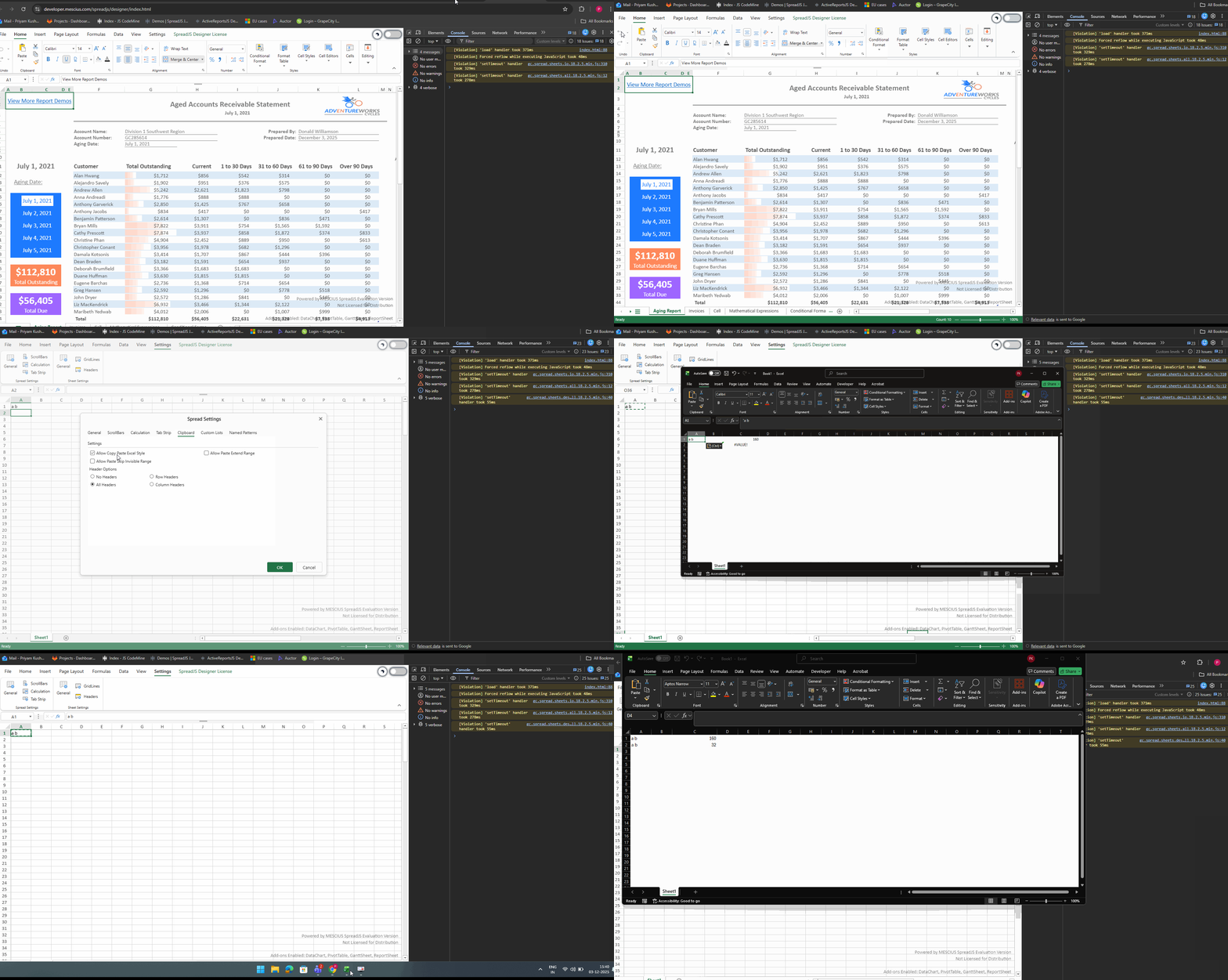
    I tested this in the Designer (https://developer.mescius.com/spreadjs/designer/index.html) as well as in SpreadJS version 18.2.5. When spread.options.allowCopyPasteExcelStyle = false, copying and pasting the value into Excel results in regular spaces rather than non-breaking spaces. To verify whether the space was non-breaking or normal, I used the Excel formula =CODE(MID(A1,2,1)) to get ASCII value, assuming the second character represents the space. Please refer to the attached “Steps.gif”.

    GIF:

    Could you please check this in version 18.2.5 on your side? If it still does not paste as a regular space, then to assist further, may I request a minimal working sample along with the steps to reproduce the issue? Additionally, A GIF or video showing the issue would also be helpful.

    Regards,

    Priyam

  • Posted 3 December 2025, 6:37 am EST

    I tested with the 18.2.0. It seems to be fine in 18.2.5

Need extra support?

Upgrade your support plan and get personal unlimited phone support with our customer engagement team

Learn More

Forum Channels